 AstonDB v5
The hard parts of an AI app, already built.
Every company app that uses AI needs the same four things: a controlled way to the language models, its own documents as a source of answers, scanned paper turned into structure, and the mail, calendar and document libraries people already work in. AstonDB brings them as modules. They are apps on the same platform, so an app reaches a module only through a permit the admin gives by name, and the module sees only what that permit allows.
LLM gateway
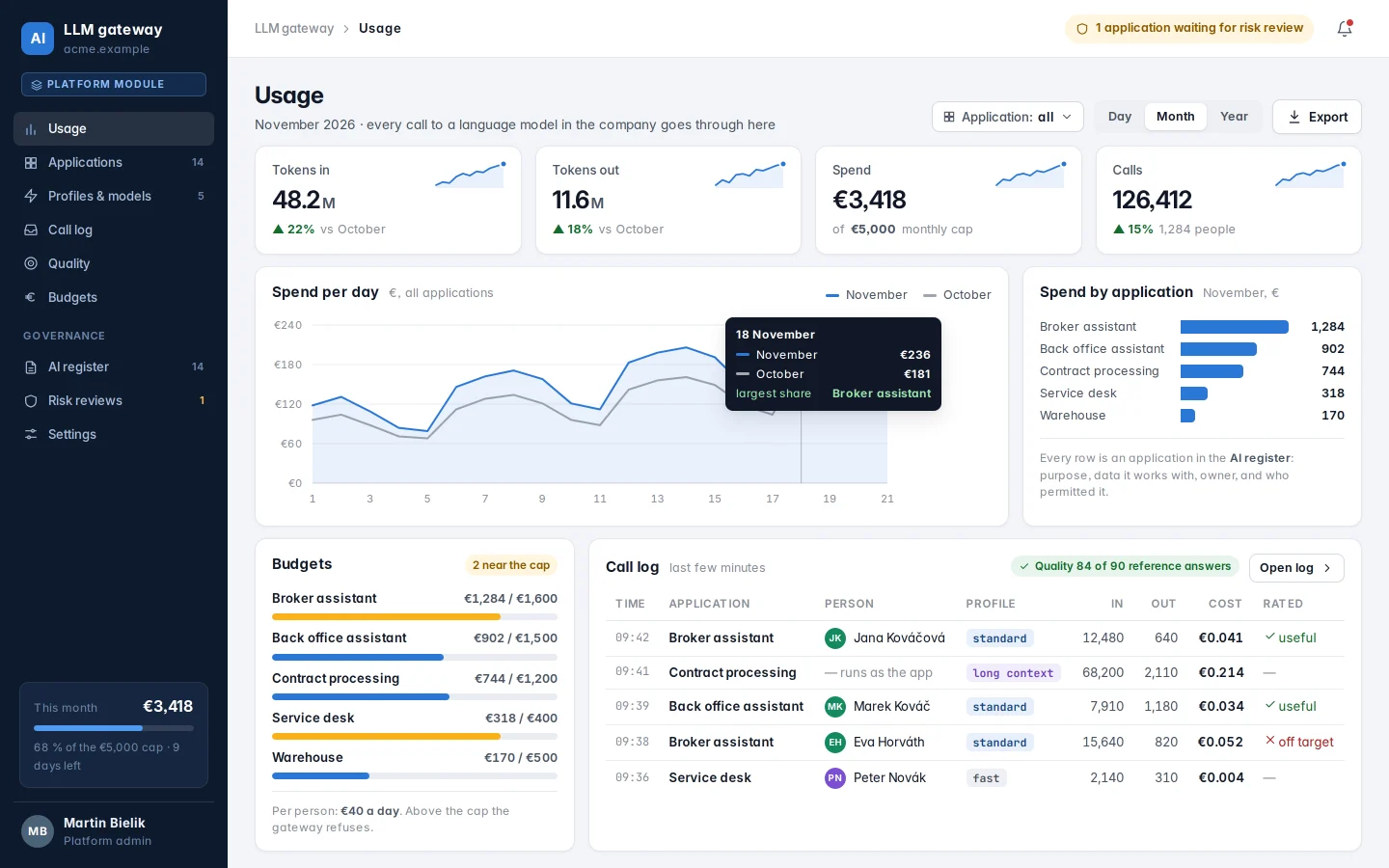
Every call your apps make to a language model goes through one door, and that door keeps the receipts.
- The app asks for a profile, not a model. The contract asks for
standardorlong context. Which model answers is the gateway's business, so one can be replaced without opening a single app. - Spend you see before the invoice. Tokens and cost by application, by person and by model, against caps the admin sets: a warning near the cap, a refusal above it.
- Every call on record, every app in the register. Question, sources, answer, cost and the person behind it, scored against reference sets. An app that is not in the register, with its purpose, its data and its owner, gets no key at all.
Knowledge base
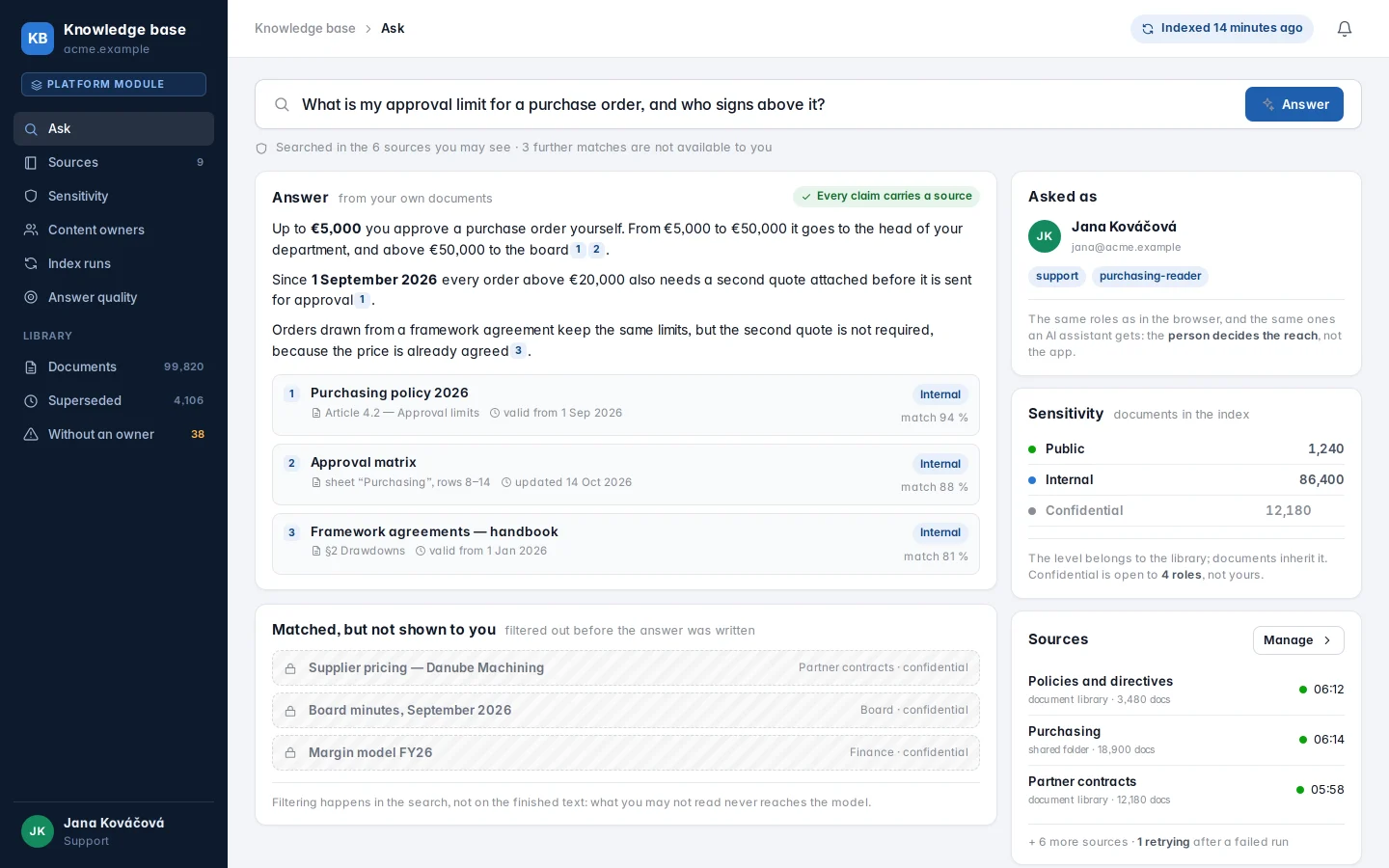
Your documents and data as answers, with the asker's own access applied inside the search.
- Access decides what is searched, not what is shown. A library or folder carries its level, public, internal or confidential, and its documents inherit it. What a person may not read never reaches the model, so it cannot leak into a paraphrase.
- Answers that point at a place. Every claim that matters carries its source: the document, the article and the version it was valid in. Superseded text stays in the index, marked as superseded.
- One index, many sources. Document libraries, shared folders and the data of your apps in one searchable base, kept current by the connectors and owned by named people.
Document parser and generator
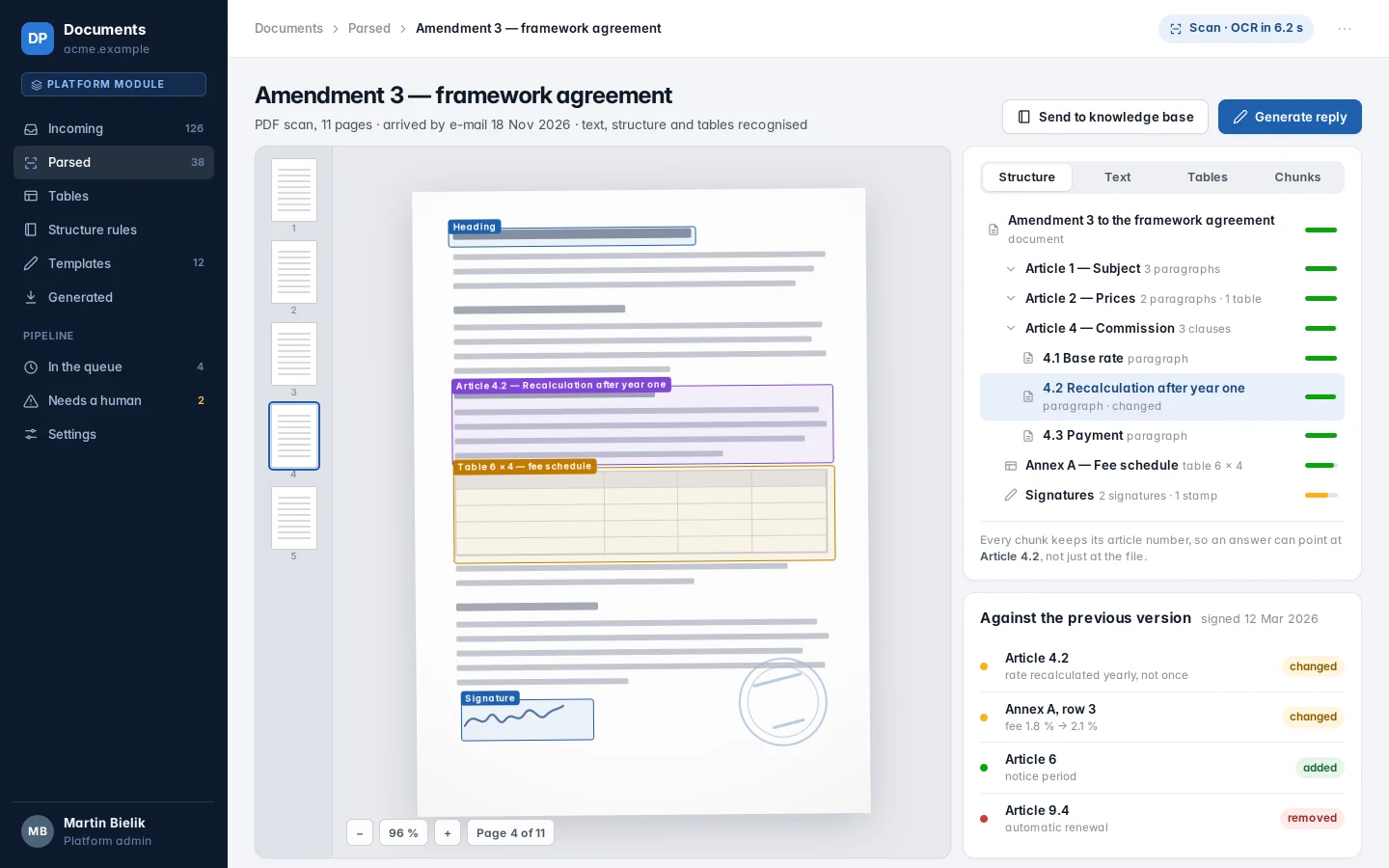
A scan becomes text with a structure, and your data becomes a finished document.
- Paper the rest of the platform can read. OCR for scanned PDFs, and plain parsing for Word, Excel and e-mail, because contracts and amendments still arrive as pictures.
- Structure, not a wall of text. Articles, clauses, tables and annexes are recognised, so a chunk keeps its number and an answer points at Article 4.2 instead of at the file. Two versions compare clause by clause.
- And back out again. The same structure writes documents from a template and your data, ready to send, so an app ends the job it started.
Microsoft 365 connector
Where your documents already live, and where the work actually gets finished.
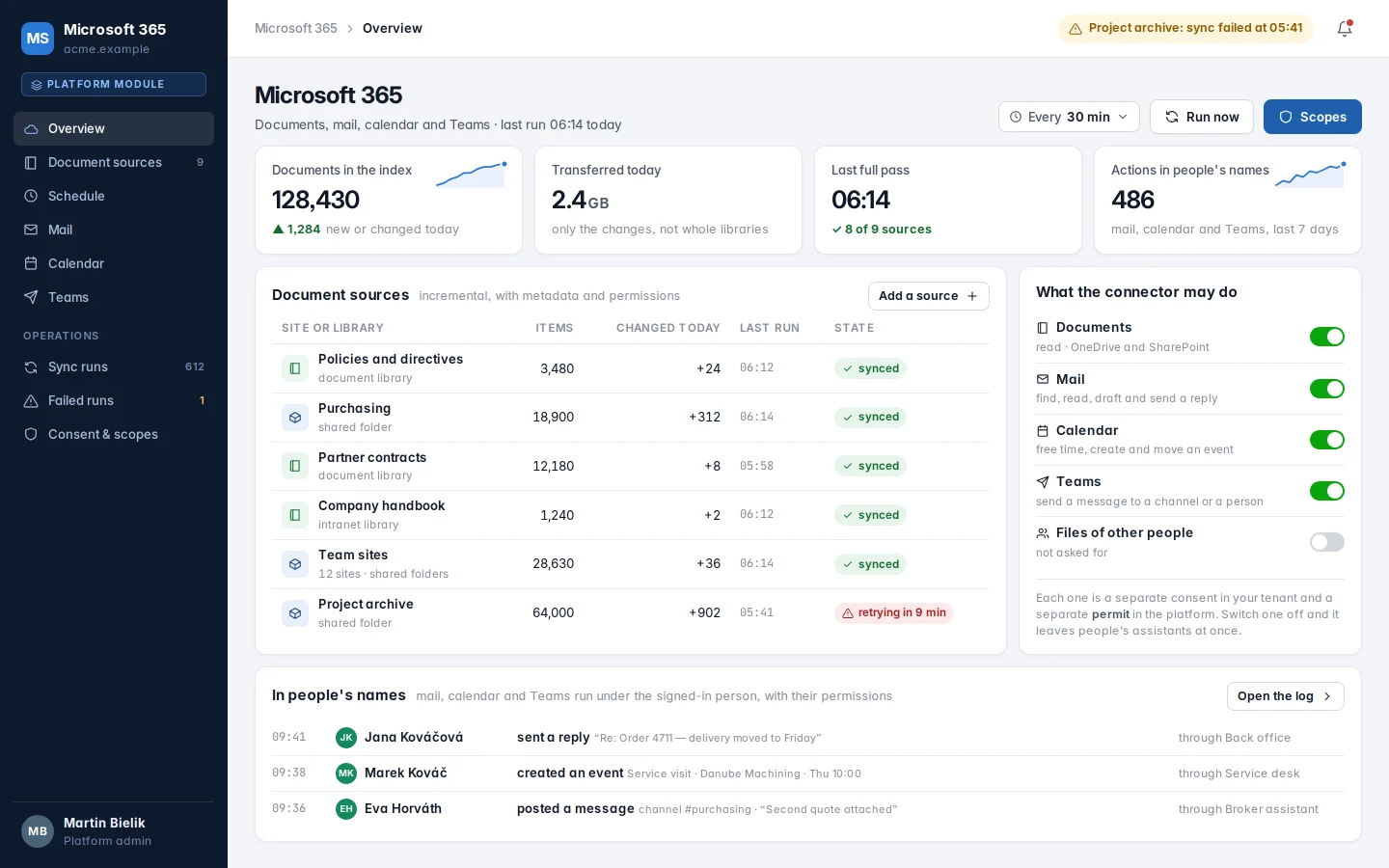
- The library stays the source. OneDrive and SharePoint sync on a schedule, only what changed, with metadata and permissions. A failed run is reported, because a silent one means stale answers.
- From answering to doing. Find a message and reply to it, look at free time and book a meeting, post to a channel: the step that used to send the person back to their mailbox.
- In the person's name, with the person's rights. Those actions run under the signed-in employee, so an app never sees or does more than they could. Each scope is a separate consent and a separate permit.
Four modules, one working process
An amendment to a supplier contract arrives by e-mail. Nobody retypes it, and nobody has to trust the app that handles it: each step is a module the admin permitted, and each leaves a record.
It arrives
The connector sees the new attachment in the mailbox and hands the file to the app that watches for amendments.
It becomes structure
The parser reads the scan and recognises the articles, the tables and the annex, then marks what changed against the signed version.
It becomes searchable
The knowledge base indexes it under the sensitivity of the library it came from, so only the people who may read it will ever get it in an answer.
Somebody is asked
The app drafts the summary through the gateway, which meters the call, and sends it to the contract owner, in their own name, to approve.
A module is paid for once: the first app that needs it carries it, every app after that only asks for the permit.
A module is an app. Nothing about it is special.
It has its own contract, its own schema, its own database role and its own address, exactly like the apps your people write. An app that wants to use one asks for it in its contract, and until the admin permits that line by name, the call fails at the gateway before any code runs.
permits: {
  api: ['llm/ask', 'kb/search', 'doc/parse', 'm365/sendMail'],
  egress: [],   // nothing else leaves the box
},
Every line is a decision in the admin, not a line of code. kb/search opens the knowledge base and nothing else, it needs no redeploy, and taking it back works on the next call. How permits work →
Which of these would you need first?
Tell us what your people ask AI for today, and where your documents live. We'll show you which modules the first process needs, and what the ones after it get for free.